
Pricing - Pricing Table

Starter

$59/ annum
  • 5GB Linux Web Space
  • 5 MySQL Databases
  • Unlimited Email
  • 250Gb mo Transfer
  • 24/7 Tech Support
  • Daily Backups

Basic

$99/ annum
  • 10GB Linux Web Space
  • 10 MySQL Databases
  • Unlimited Email
  • 500Gb mo Transfer
  • 24/7 Tech Support
  • Daily Backups

Ultra

$499/ annum
  • 100GB Linux Web Space
  • 99 MySQL Databases
  • Unlimited Email
  • 10000Gb mo Transfer
  • 24/7 Tech Support
  • Daily Backups

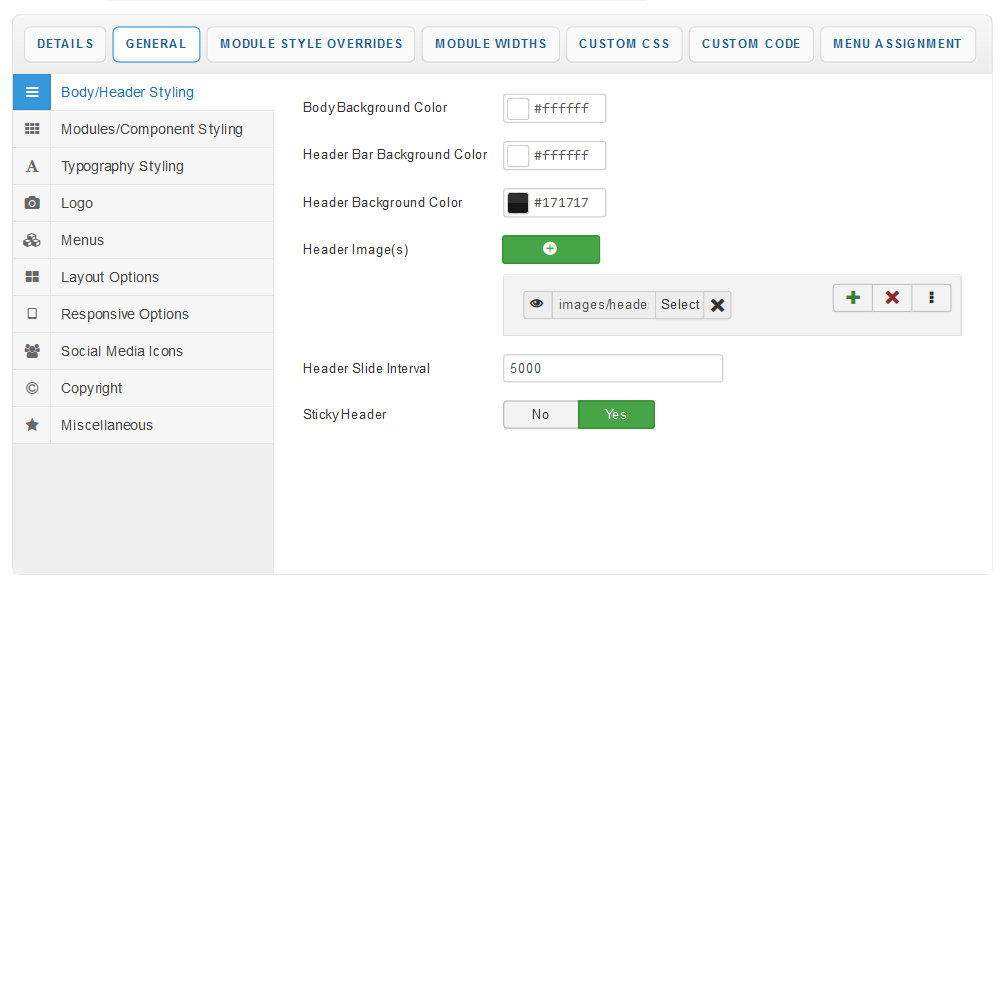
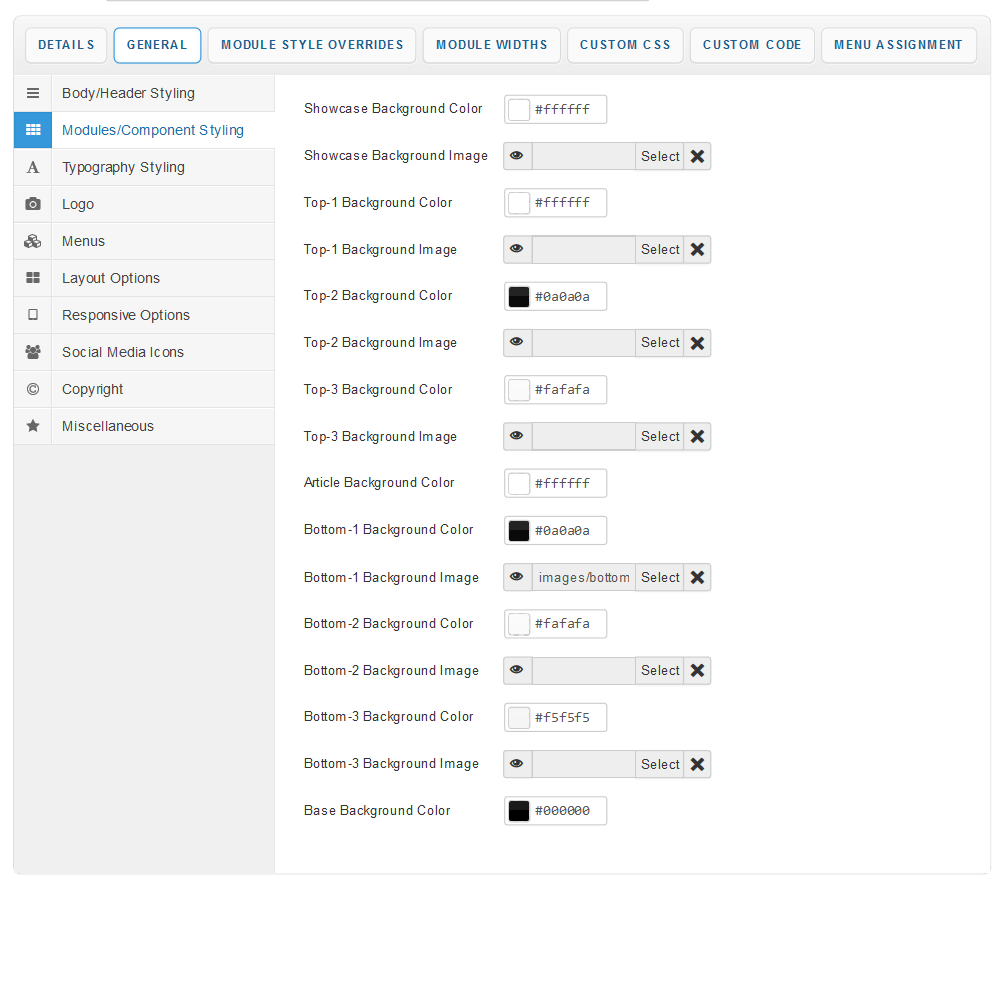
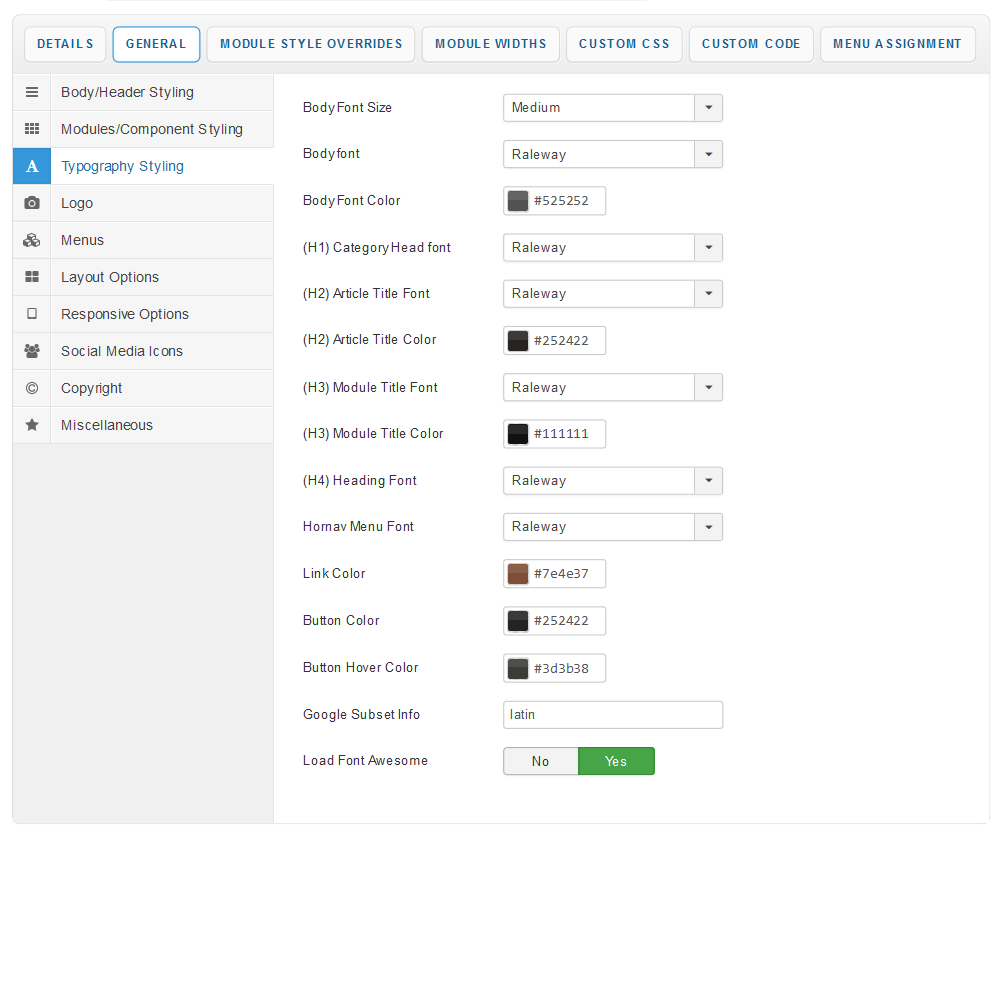
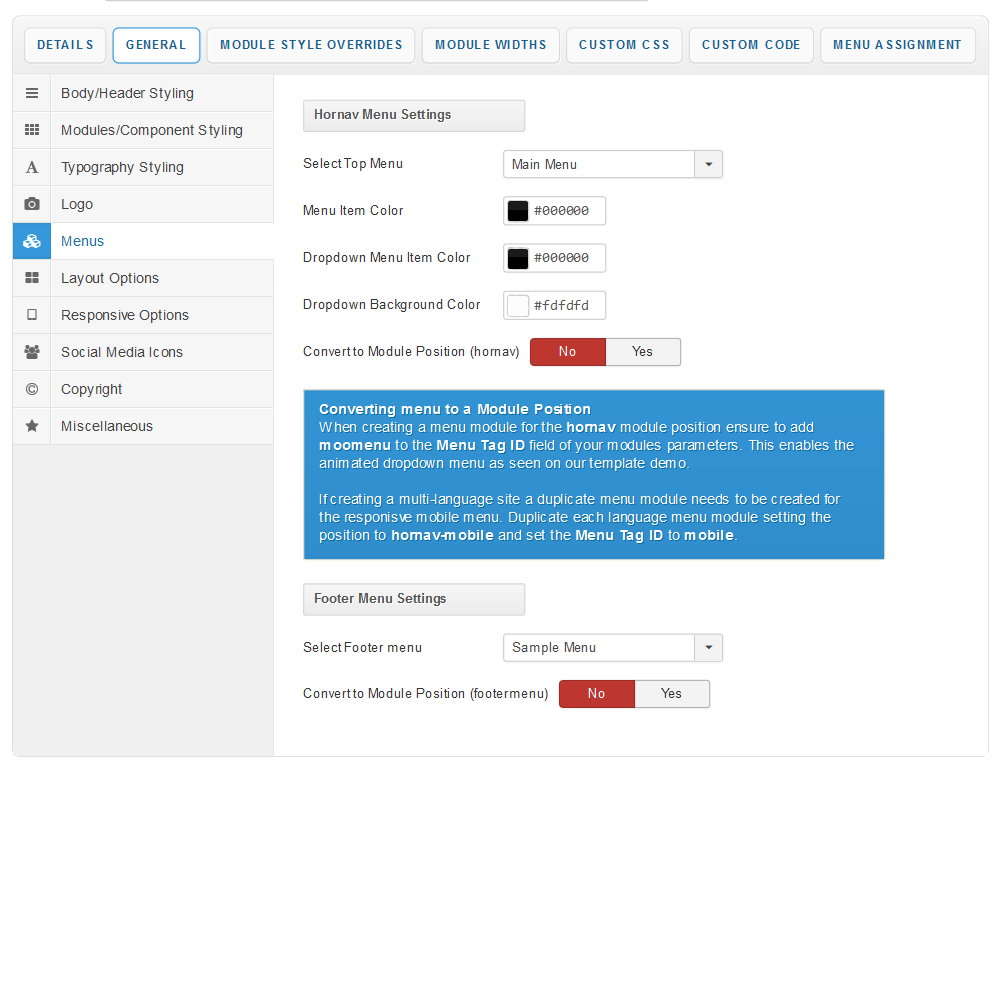
With a new and improved template parameters we have combined some of the most used and asked for features within an easy to use and beautifully styles interface. With these parameters you can now quickly customise your template to your own needs and have your site up and running in a matter of minutes.

Your template parameters can be access directly from your Template Manager giving you access to a host of features including a selection of template styles, some colour choosers to help customise your template headers and links, a number of layout options and easy to use logo settings.

Custom CSS

Need to apply your own styling to the template then simply add your custom CSS to the Custom CSS field within this section of the parameters.

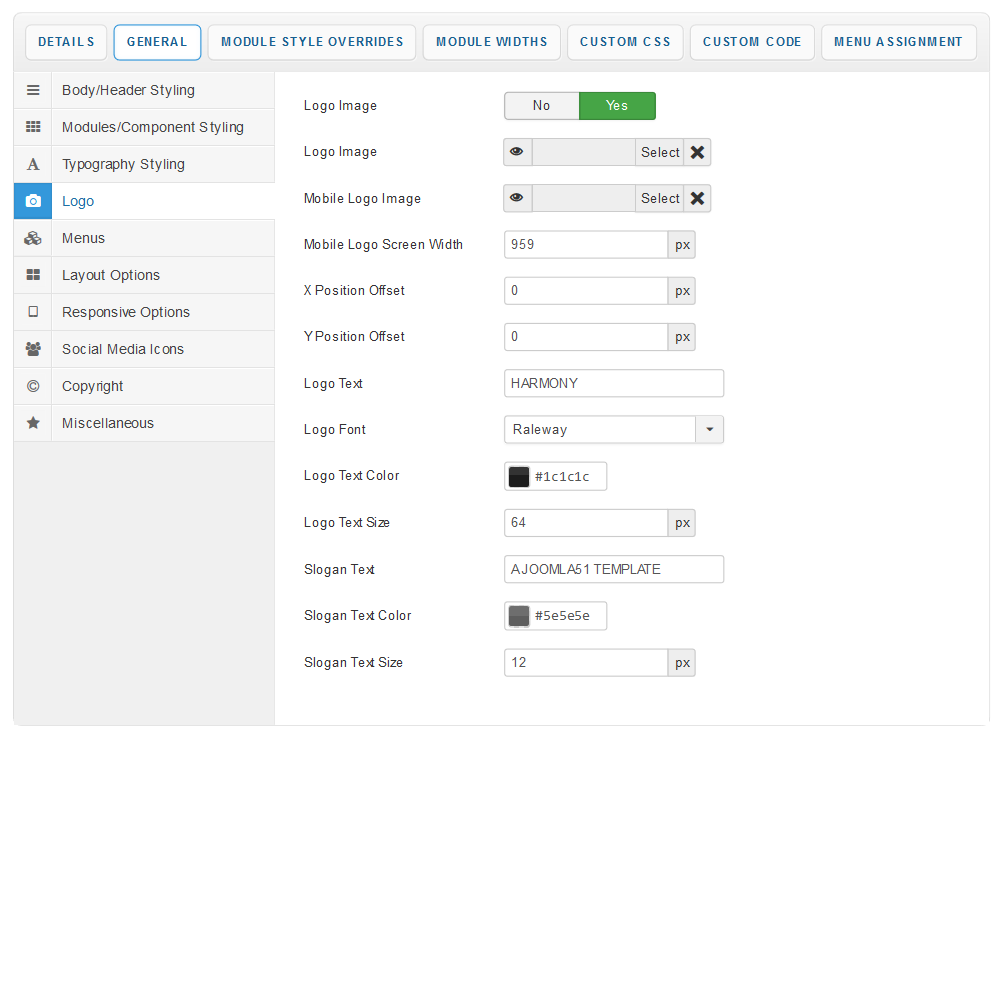
Logo

This section of the template parameters allows full control over your site logo with an array of easy to use options. Upload your logo image via the 'Select Logo Image' field and then use the X and Y axis field to tweak its position.

You can also turn off the image option reverting to a text based logo allowing you to simply enter your site title and slogan via the available fields. You can then customise how your title and slogan will appear via the color and font chooser allowing you maximum control over how your title will appear.

Responsive Options

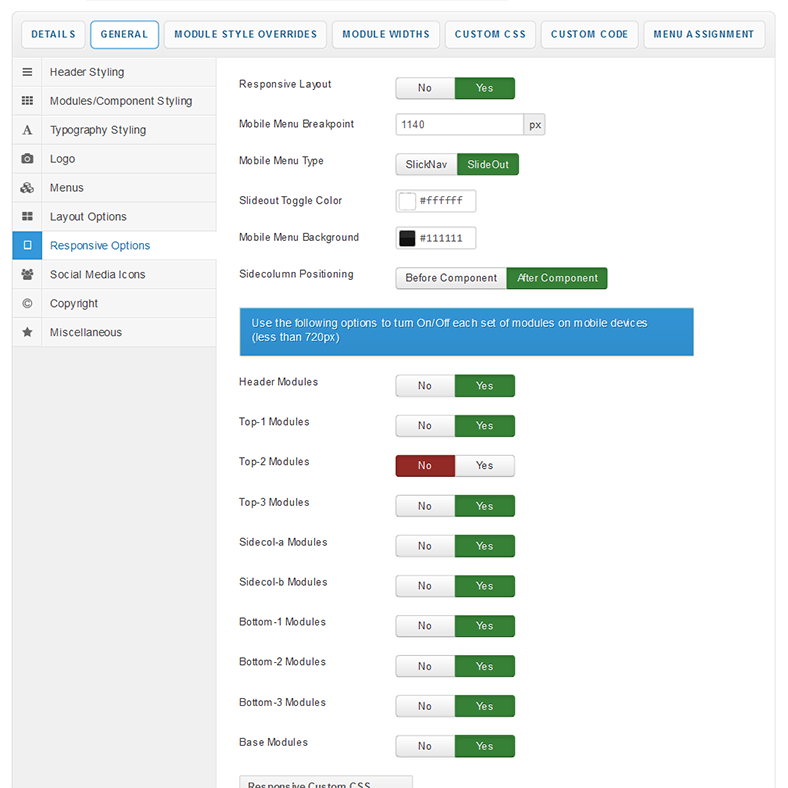
This template has a Reponsive design which allows it to automatically change its layout to best suit smaller screen devices. Options are available to turn enabling/disabling this feature. Disabled your template will be viewed on mobile devices the same as on your desktop monitor. Switchs are also available to enable/disable each row of modules on smaller screen devices.

Module Widths

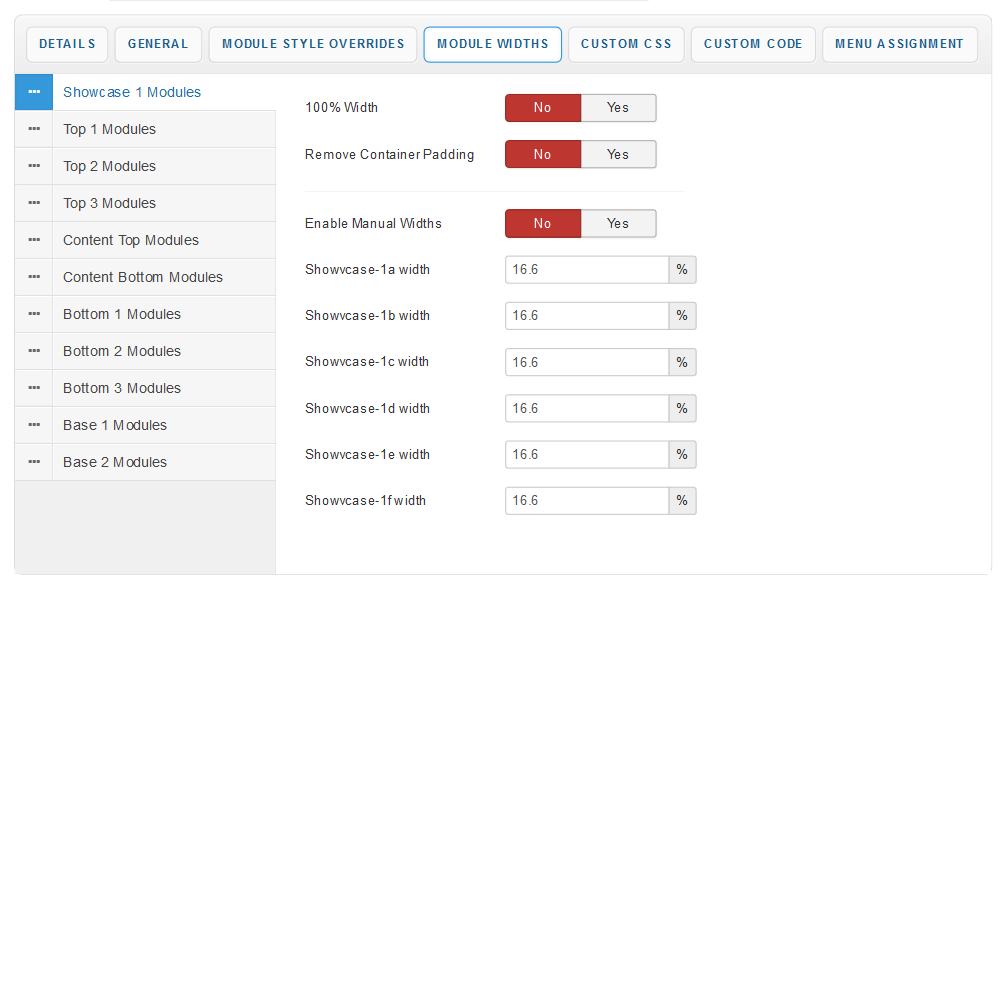
By default your module widths will automatically adjust depending on the number of modules published within its containing row. Via the Module Widths section of the parameters you can now disable this feature and customise the width of each individual module.

Social Media Icons

Enable and assign URLs to your social media pages which will appear in the social media panel of the template.

Custom Code

For a number of reasons (eg. Google Analytics) you might need to add some code within the <head> or <body> tags of your template so we have added some fields to allow you to do so.